Testing your pool water at home is one of the simplest ways to stay ahead of cloudy water, algae, sanitizer problems, and other water-quality issues.
But what exactly should you test?
For most residential pools, pH and free chlorine are the starting point. Depending on your pool type and maintenance routine, you may also need to monitor total alkalinity, calcium hardness, cyanuric acid (CYA), salinity, ORP, temperature, EC, and TDS.
The good news is that you don't need complicated laboratory equipment to get started.
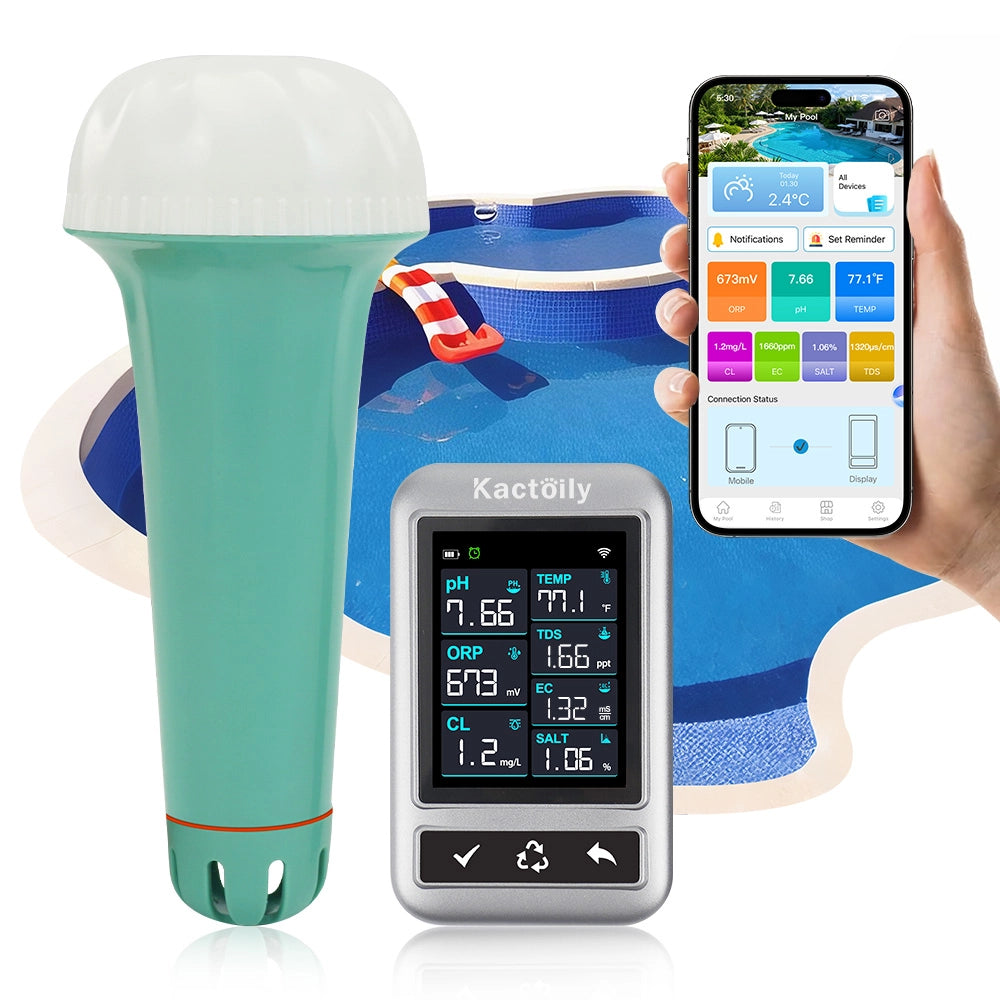
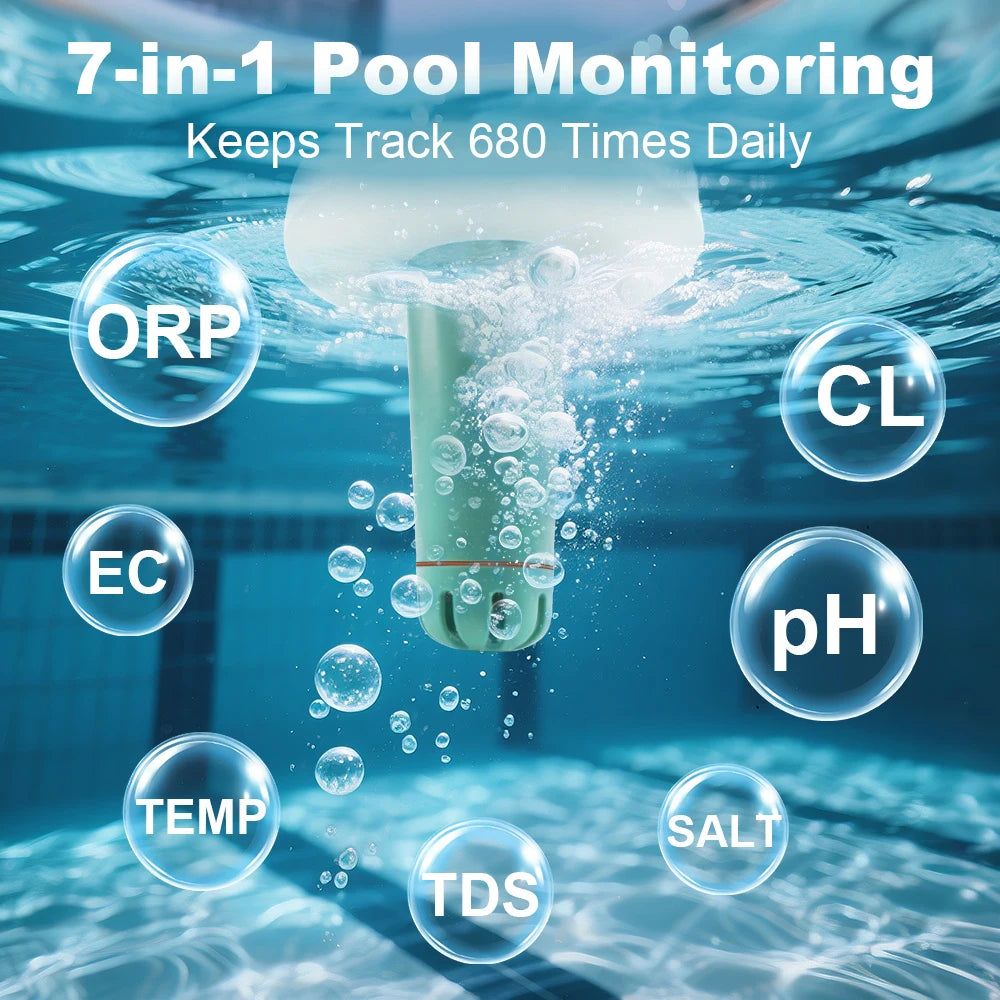
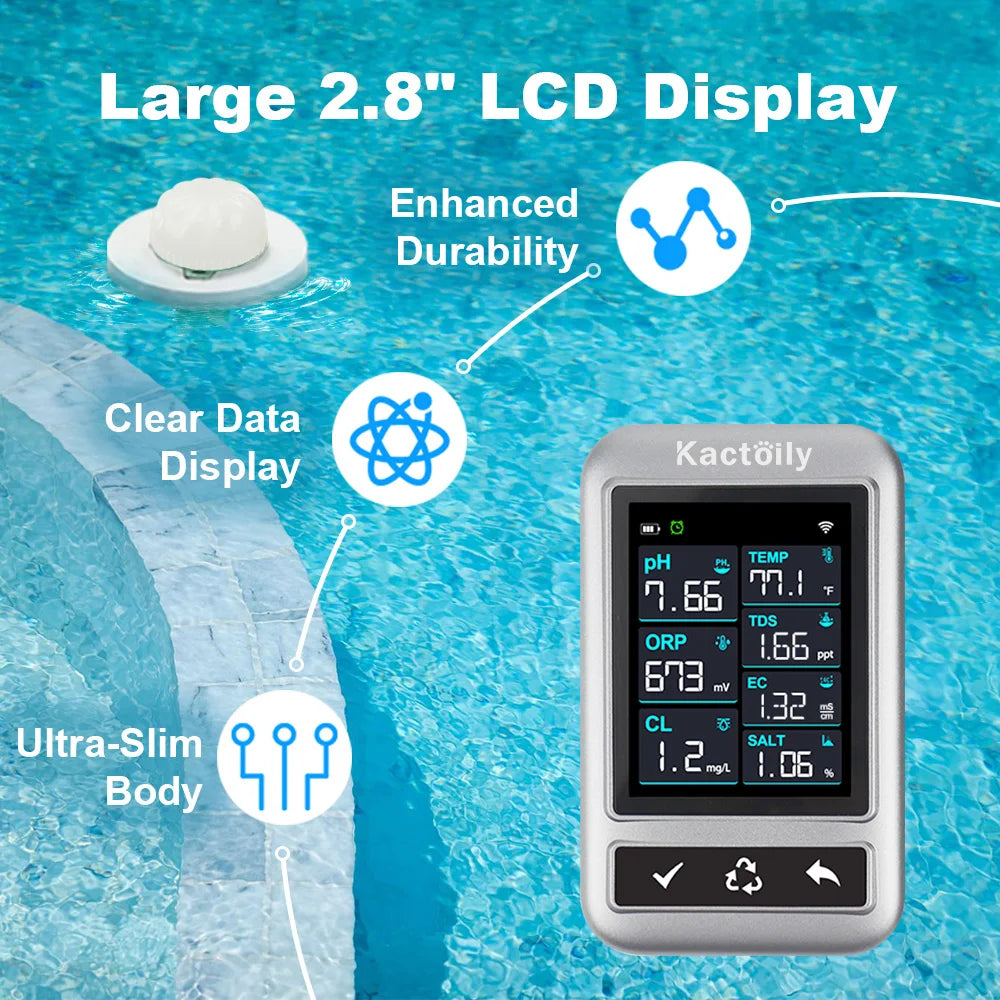
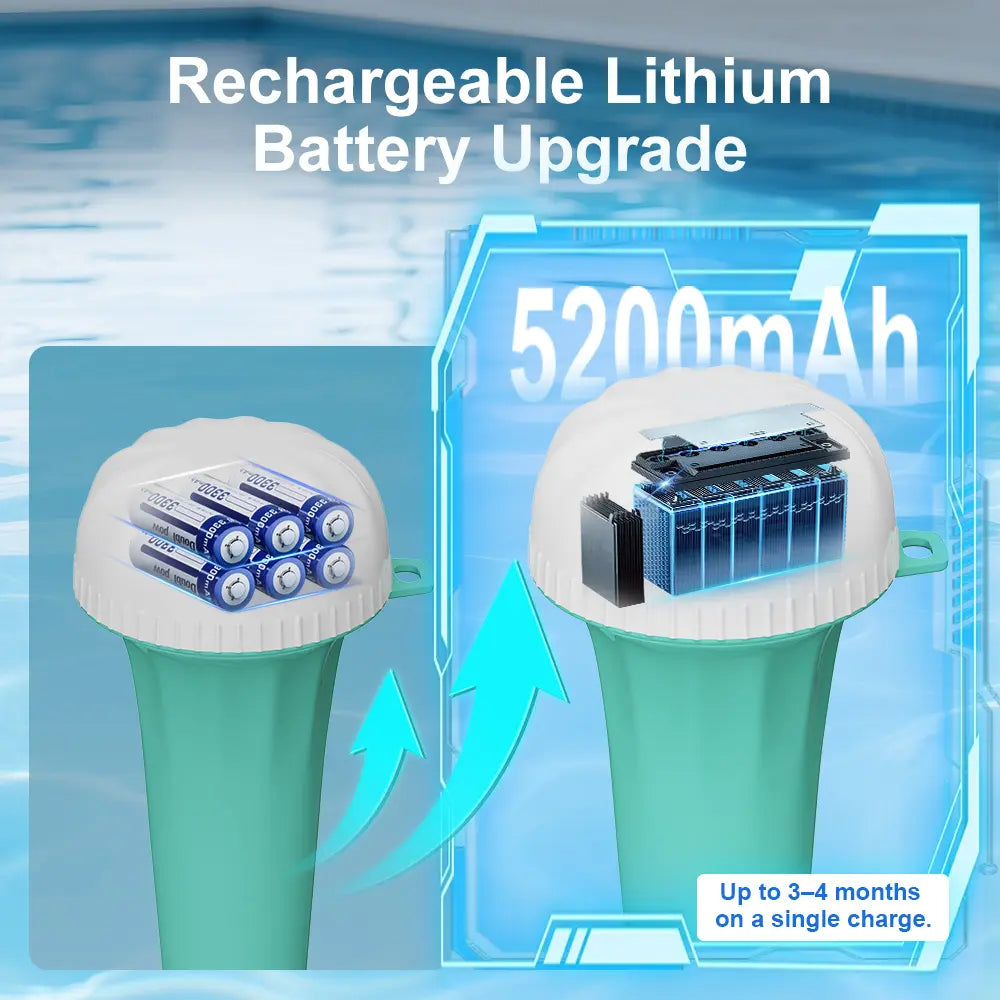
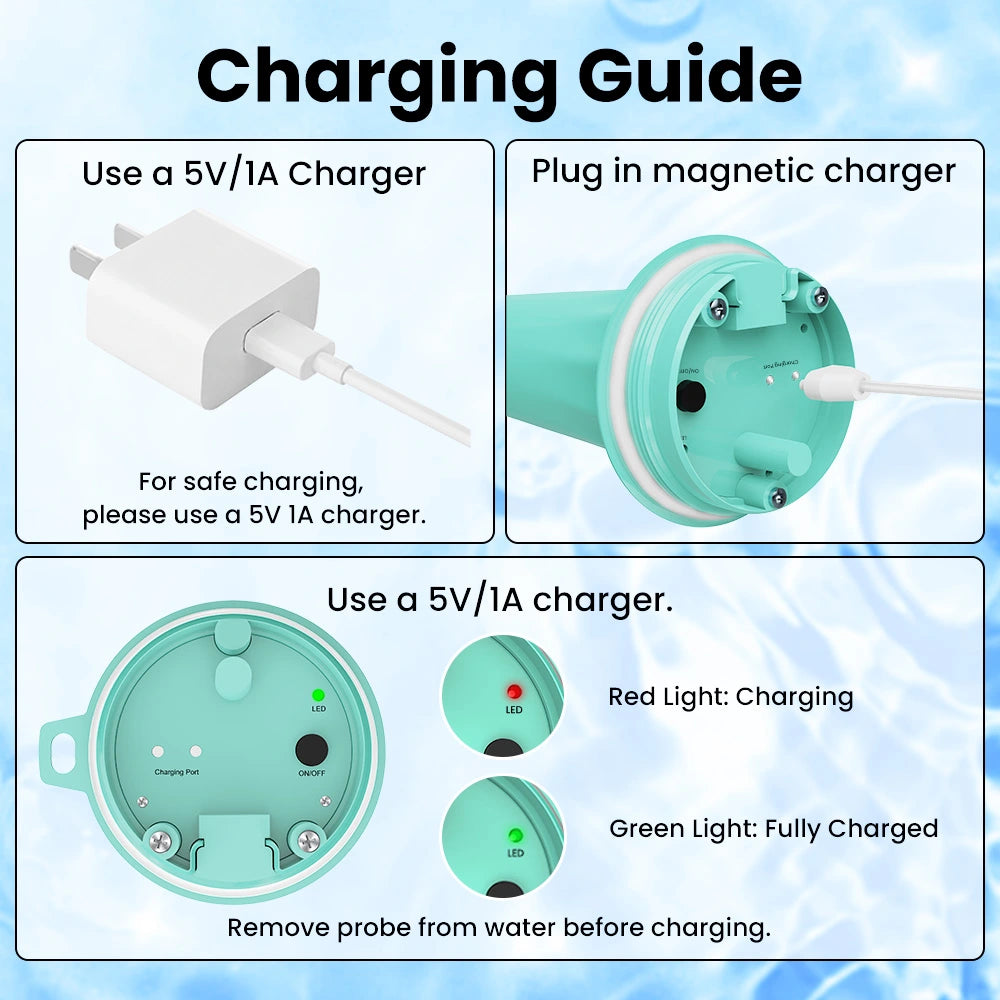
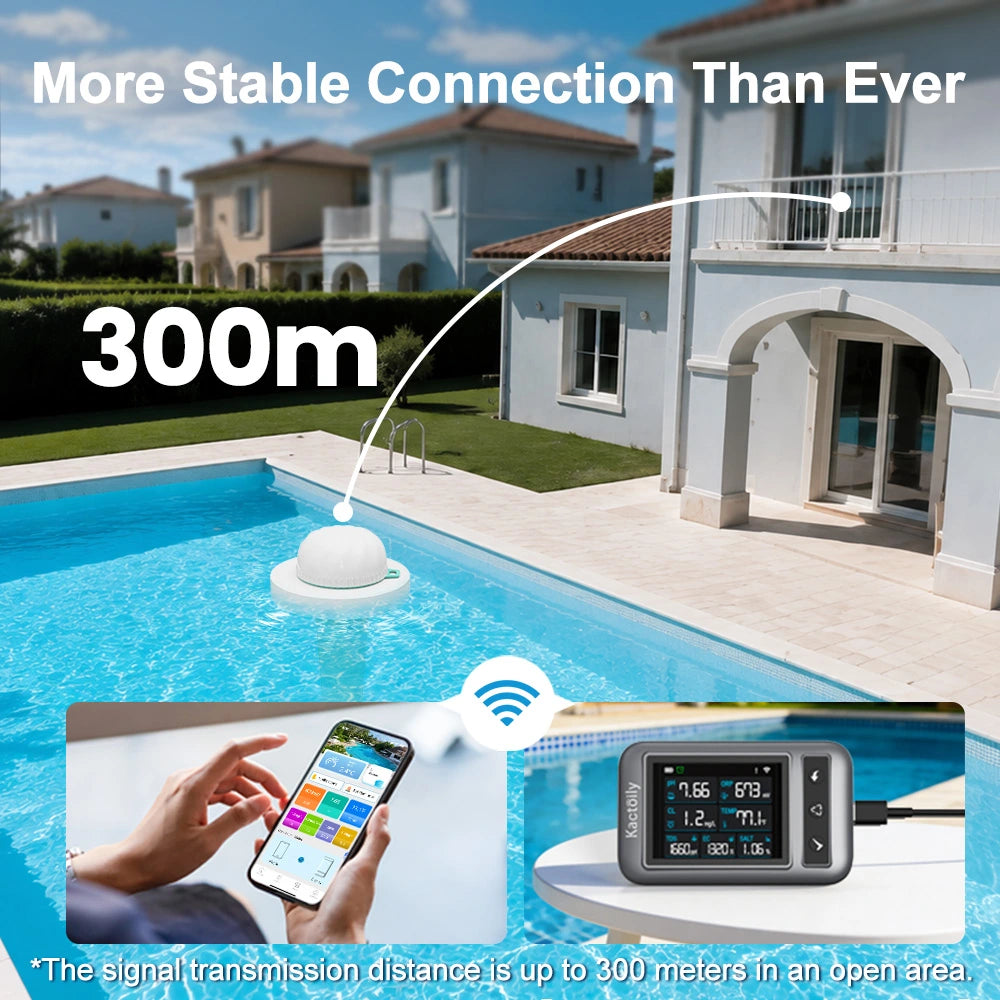
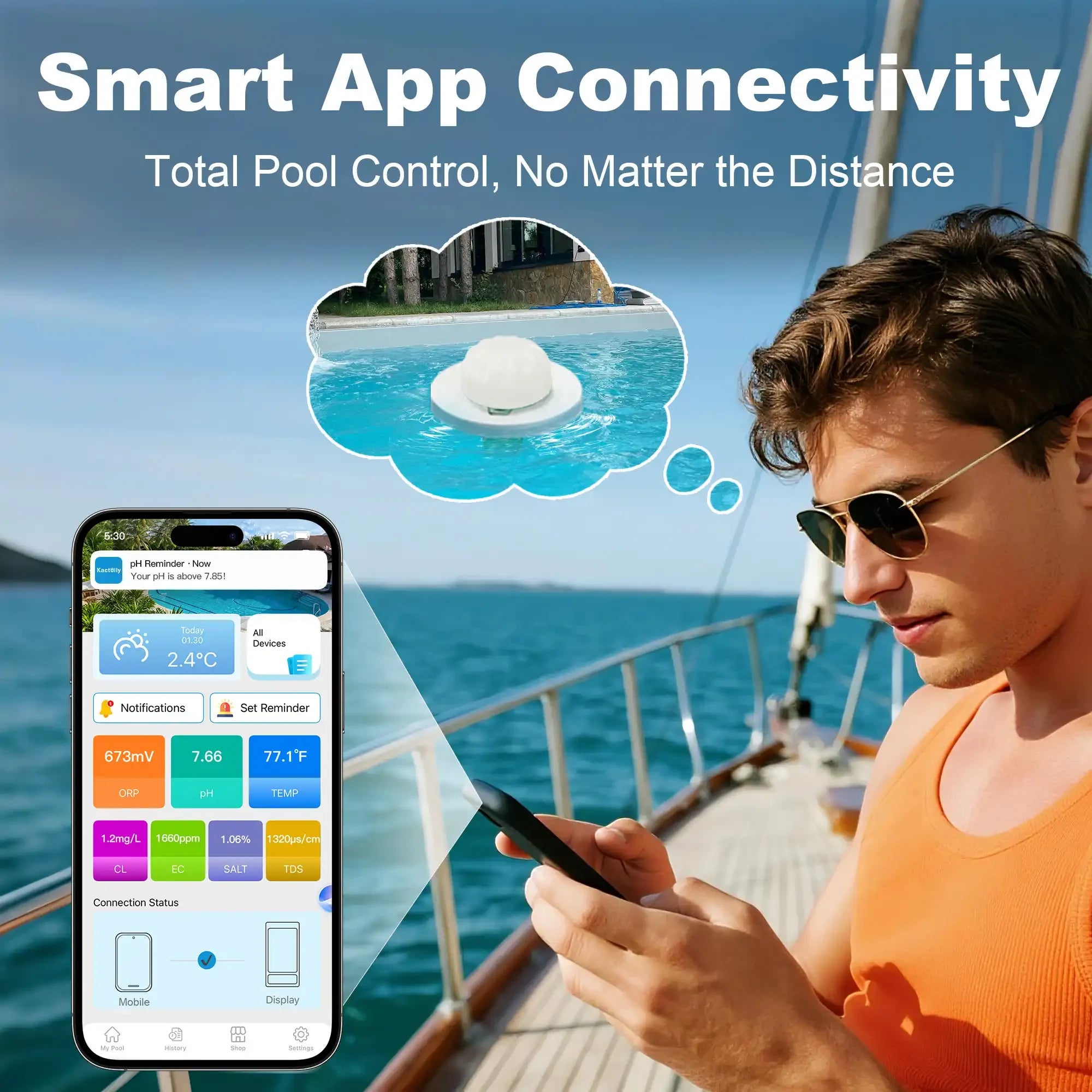
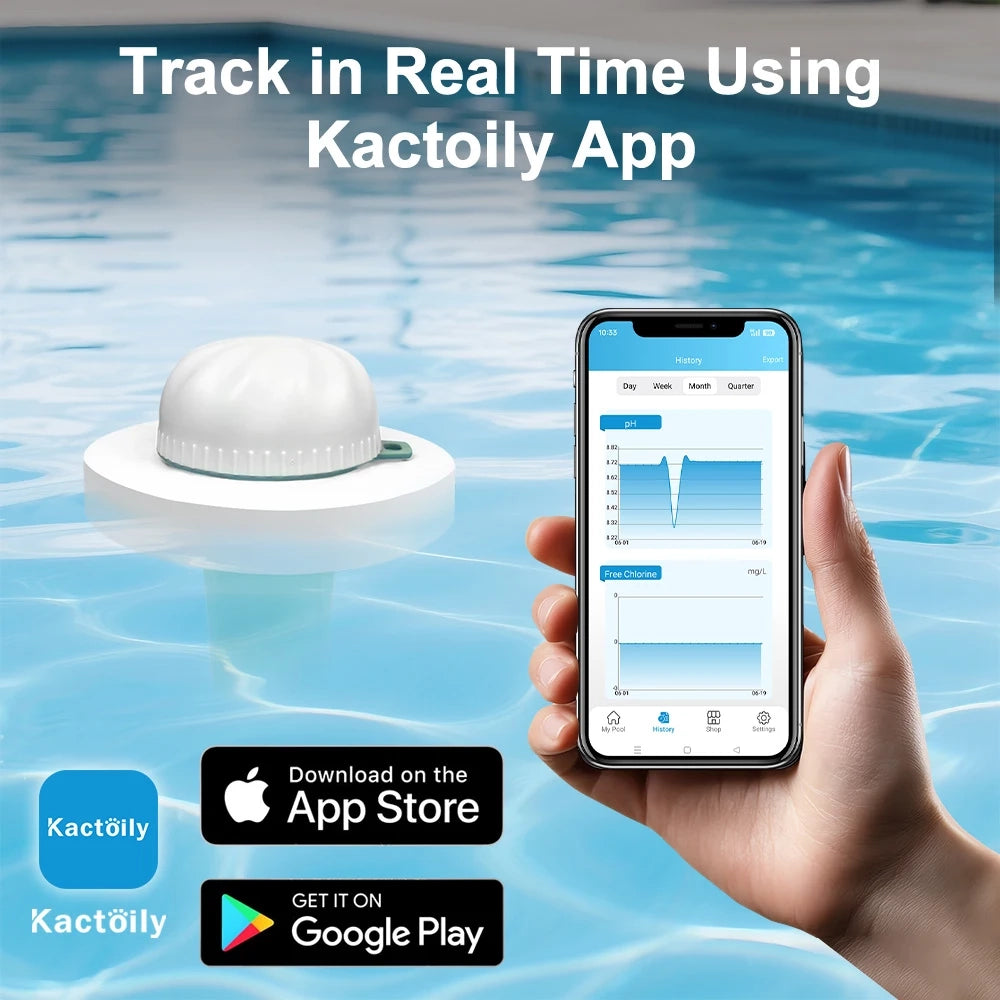
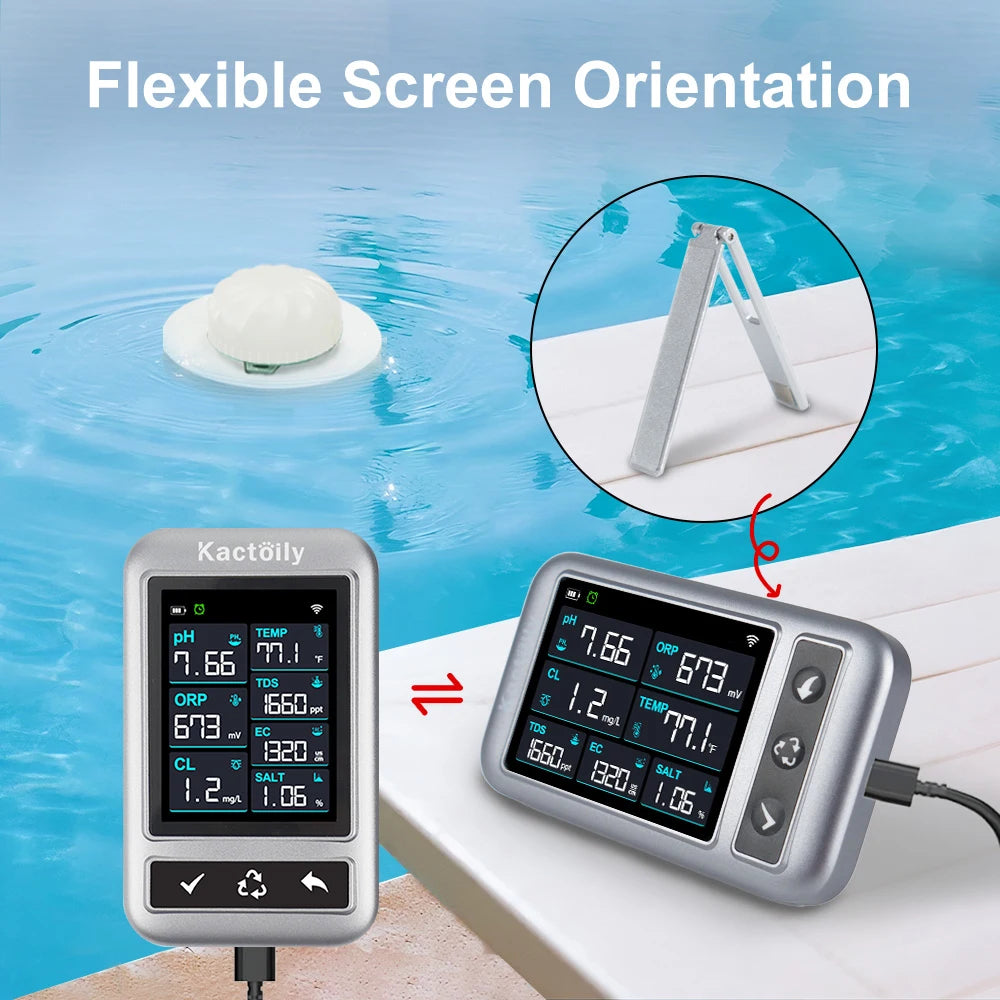
This guide explains how to test pool water at home, compares the most common testing methods, and shows how a smart pool monitor such as the Kactoily 7-in-1 WiFi Pool Monitor can make ongoing monitoring easier.
New to pool chemistry? Start with our [Pool Water Chemistry Chart: Ideal pH, Chlorine, Alkalinity & More] to understand what each water parameter means before testing.
What Should You Test in Pool Water?
The parameters you need to test depend on your pool type, sanitizer system, equipment, and maintenance routine.
For many residential pools, the most important measurements include:

These values are reference ranges rather than universal requirements. Always follow the recommendations for your specific pool, chemicals, sanitizer system, and equipment.
4 Ways to Test Pool Water at Home
There are several ways to test your pool water.
1. Pool Test Strips
Test strips are one of the easiest options for beginners.
You typically:
1. Dip the strip into the pool water.
2. Remove it according to the manufacturer's instructions.
3. Wait for the specified development time.
4. Compare the colors with the chart on the container.
5. Record the results if you want to track changes.
Advantages
· Fast
· Easy to use
· Inexpensive
· Convenient for routine checks
Limitations
Test strips rely on visual color matching, so readings can sometimes be difficult to interpret.
Lighting, timing, storage conditions, and how the strip is handled can also affect results.
Test strips are useful for routine checks, but they may not provide the same type of continuous monitoring as a digital system.
2. Liquid Pool Test Kits
Liquid test kits use reagents to measure specific water parameters.
Depending on the kit, you may be able to test:
· pH
· Free chlorine
· Combined chlorine
· Total alkalinity
· Calcium hardness
· CYA
A typical process involves collecting a water sample, adding a specific reagent, and comparing the resulting color or performing a titration.
Advantages
· Can provide detailed measurements
· Useful for testing several important chemistry parameters
· Widely used by pool professionals
Limitations
· Takes more time than test strips
· Requires multiple reagents
· Requires careful measurement
· Reagents need proper storage and replacement
For pool owners who want detailed periodic testing, a good liquid test kit remains a useful tool.
3. Digital Pool Water Testers
Digital testers use electronic sensors to measure specific water parameters.
Depending on the device, they may measure:
· pH
· ORP
· Temperature
· EC
· TDS
· Salinity
· Other parameters
Digital testers can eliminate some of the subjectivity involved in comparing colors on a test strip.
However, digital devices require proper calibration, sensor care, and correct use to provide reliable readings.
4. Smart Pool Water Monitors
A smart pool monitor takes digital testing one step further.
Instead of taking a water sample only when you remember to test it, a connected monitor can remain in the pool and collect measurements over time.
Depending on the model, a smart pool monitor may measure multiple parameters and send information to a mobile app.
This makes it particularly useful for pool owners who want to:
· Monitor water continuously
· Track changes over time
· Receive alerts
· Check their pool remotely
· Reduce the need for frequent manual measurements
Which Pool Water Testing Method Is Best?
There isn't one testing method that is best for every pool owner.

In practice, many pool owners can benefit from using more than one method.
For example, a smart monitor can provide ongoing trend information while a manual test kit can be used periodically as an independent check.
How to Test Pool Water Step by Step
If you're testing your pool manually, follow these general steps.
Step 1: Choose a Good Sampling Location
Don't collect your sample directly from:
· A return jet
· The skimmer
· The surface of the water
· An area with chemical tablets or dispensers
Instead, collect water from a representative area of the pool, away from direct chemical addition points.
A sample taken from the middle of the pool and below the surface is generally more representative of the overall water.
Step 2: Use a Clean Testing Container
If your testing method requires a separate water sample, use the container supplied with the test kit or a clean container appropriate for the test.
Avoid containers that have previously held cleaning products or chemicals.
Even small amounts of contamination can affect test results.
Step 3: Test pH
pH is one of the first parameters to check.
Depending on your testing method, you may use:
· Test strips
· A liquid reagent
· A digital pH meter
· A smart pool monitor
A commonly used reference range for many swimming pools is: 7.2–7.8
If your pH is outside your target range, investigate the cause before making chemical adjustments.
Step 4: Test Free Chlorine
Free chlorine tells you how much available chlorine is present to sanitize the pool.
For many residential pools, a commonly used reference range is: 1–3 ppm
However, the appropriate chlorine level depends on factors such as CYA, pool type, sanitizer system, sunlight, temperature, and pool usage.
Don't evaluate chlorine in isolation.
For example, a chlorine reading that looks acceptable on its own may need to be interpreted differently depending on the pool's CYA level.
Step 5: Test Total Alkalinity
Total alkalinity helps stabilize pH.
A commonly used reference range for many pools is: 80–120 ppm
If alkalinity is significantly outside your target range, it can make maintaining stable pH more difficult.
Testing TA periodically is therefore an important part of overall pool maintenance.
Step 6: Test Calcium Hardness
Calcium hardness measures dissolved calcium in the pool water.
A commonly used reference range for many residential pools is approximately: 200–400 ppm
Low calcium hardness can increase corrosion risk, while excessive calcium can contribute to scale and cloudy water.
Calcium hardness usually doesn't need to be checked as frequently as pH or chlorine, but it should still be monitored periodically.
Step 7: Test Cyanuric Acid (CYA)
If you have an outdoor chlorine pool, CYA is another important measurement.
CYA helps protect chlorine from degradation caused by sunlight.
A commonly used reference range for many outdoor chlorine pools is:30–50 ppm
The appropriate target depends on your pool and sanitation system.
Step 8: Check Salinity If You Have a Saltwater Pool
If your pool uses a saltwater chlorine generator, check the salinity according to the equipment manufacturer's requirements.
Salt concentration directly affects the operating conditions of the chlorine generator.
Don't use a generic salt target if your equipment manufacturer specifies a different range.
Step 9: Consider Additional Measurements
For more advanced pool monitoring, you may also track:
ORP
Provides information about the oxidation-reduction environment of the water.
Temperature
Helps you understand swimmer comfort and changes in chlorine demand and biological activity.
EC
Measures electrical conductivity and can help identify changes in dissolved ionic content.
TDS
Provides an indication of the overall level of dissolved substances in the water.
These measurements don't replace the core chemistry parameters, but they can provide additional context.
How to Read Your Pool Water Test Results
Testing is only useful if you understand what the numbers mean.
For example:
pH is high + chlorine seems less effective
High pH can reduce chlorine effectiveness.
Check your pH and alkalinity and make adjustments according to your pool's requirements.
Chlorine is dropping quickly
Don't automatically add more chlorine.
Consider:
· Sunlight
· CYA
· Water temperature
· Pool usage
· Rain
· Organic contaminants
· Algae
· Filtration and circulation
Water is cloudy
Don't assume cloudy water automatically means "not enough chlorine."
Check:
· pH
· Free chlorine
· Total alkalinity
· Calcium hardness
· Filtration
· Circulation
· Pool usage
· Possible algae growth
How Often Should You Test Pool Water?
Testing frequency depends on your pool and environmental conditions.
For many residential pools, a useful starting point is:
pH and Free Chlorine
Several times per week
Test more frequently during:
· Hot weather
· Heavy pool use
· Heavy rain
· Algae problems
· Cloudy water
· Periods of rapid chemical change
Total Alkalinity
Weekly or as needed
Calcium Hardness and CYA
Periodically
These parameters generally change more slowly than pH and chlorine.
Salinity
For saltwater pools, monitor according to your salt chlorine generator's requirements.
ORP, Temperature, EC, and TDS
These can be monitored more frequently when using a connected multi-parameter system.
The important thing is to establish a consistent routine rather than waiting until the pool looks cloudy or green.
Common Pool Water Testing Mistakes
Even with a good test kit, testing technique can affect the result.
Mistake 1: Testing Water From the Wrong Location
Don't collect water directly next to chemical dispensers, return jets, or skimmers.
Choose a representative location.
Mistake 2: Testing Immediately After Adding Chemicals
Allow the chemicals to circulate according to the product instructions before testing again.
Otherwise, your sample may not represent the pool's overall water chemistry.
Mistake 3: Ignoring Expired Reagents
Liquid reagents and test strips can degrade over time.
Check expiration dates and storage instructions.
Mistake 4: Reading Test Strips Under Poor Lighting
Color-based testing depends on visual interpretation.
Use the lighting and timing recommended by the manufacturer.
Mistake 5: Making Large Chemical Adjustments Based on One Reading
If a result looks unusually high or low, confirm it when appropriate before making a major adjustment.
Mistake 6: Only Testing When the Pool Looks Bad
Clear water does not necessarily mean that every chemistry parameter is balanced.
Regular testing helps you identify changes before they become visible problems.
Can a Smart Pool Monitor Replace Test Strips?
A smart pool monitor can significantly reduce the need for frequent manual testing, but it shouldn't necessarily be viewed as a complete replacement for every other testing method.
A smart monitor is particularly useful for continuous monitoring and trend tracking.
Manual testing can still be useful for:
· Periodic verification
· Parameters not measured by the monitor
· Troubleshooting
· Confirming unusual readings
· Following chemical treatment instructions
The two approaches can work together.
Think of it this way:
Manual test kit = periodic detailed check
Smart pool monitor = continuous water monitoring
Why Continuous Pool Water Monitoring Can Be Useful
Manual testing gives you a snapshot.
Continuous monitoring gives you a trend.
For example, instead of seeing:
pH = 7.8 today
you may be able to observe:
pH gradually increased from 7.4 → 7.6 → 7.8 over several days.
That trend can be much more useful for understanding what's happening in your pool.
The same applies to:
· Free chlorine
· Temperature
· ORP
· Salinity
· EC
· TDS
This is one of the biggest advantages of connected pool monitoring.
Frequently Asked Questions
Can you test pool water without test strips?
Yes.
You can use liquid test kits, digital testers, or a smart pool monitor.
Test strips are simply one of the most convenient manual testing methods.
What is the easiest way to test pool water?
For occasional manual testing, test strips are usually the simplest option.
For continuous monitoring, a smart pool monitor can automate measurements and reduce the need for repeated manual testing.
How do I test pool pH at home?
You can test pH using a test strip, liquid test kit, digital pH meter, or compatible smart pool monitor.
For many pools, a commonly used reference range is 7.2–7.8.
How do I test chlorine in my pool?
Free chlorine can be measured using test strips, liquid test kits, digital testers, or compatible pool monitors.
For many residential pools, 1–3 ppm is a commonly used reference range, but the appropriate level depends on CYA and other pool conditions.
How often should I test my pool?
For many residential pools, pH and free chlorine can be checked several times per week.
Test more frequently during hot weather, after heavy rain, after heavy use, or whenever water conditions change.
Are smart pool monitors accurate?
Digital pool monitors can provide useful measurements when properly installed, calibrated, maintained, and used according to the manufacturer's instructions.
Sensor condition and calibration are particularly important.
Do smart pool monitors replace test kits?
Not necessarily.
A smart monitor is excellent for continuous monitoring and trend tracking, while manual test kits can still be useful for periodic verification and measuring parameters that a particular monitor doesn't support.
Why are my pool test results changing so quickly?
Pool water chemistry can change because of:
· Rain
· Sunlight
· Evaporation
· Pool usage
· Water temperature
· Chemical additions
· Contaminants
· Circulation
· Sanitizer demand
Tracking results over time can help you identify patterns instead of reacting to individual readings.
Final Thoughts
Testing your pool water at home doesn't have to be complicated.
For most pool owners, start with the basics:
pH + Free Chlorine
Then add other measurements such as:
Total Alkalinity + Calcium Hardness + CYA
depending on your pool and maintenance routine.
For saltwater pools and more advanced monitoring, parameters such as:
Salinity + ORP + Temperature + EC + TDS
can provide additional information about changing water conditions.
The key is consistency.
Whether you use test strips, a liquid test kit, a digital tester, or a smart pool monitor, regular monitoring helps you understand your pool before small changes become larger problems.
For pool owners who want less manual testing and more visibility into their water chemistry, a connected multi-parameter monitor such as the Kactoily 7-in-1 WiFi Pool Monitor can make ongoing monitoring easier.
Test regularly. Understand the numbers. Track the trends. Keep your pool ready for swimming.